
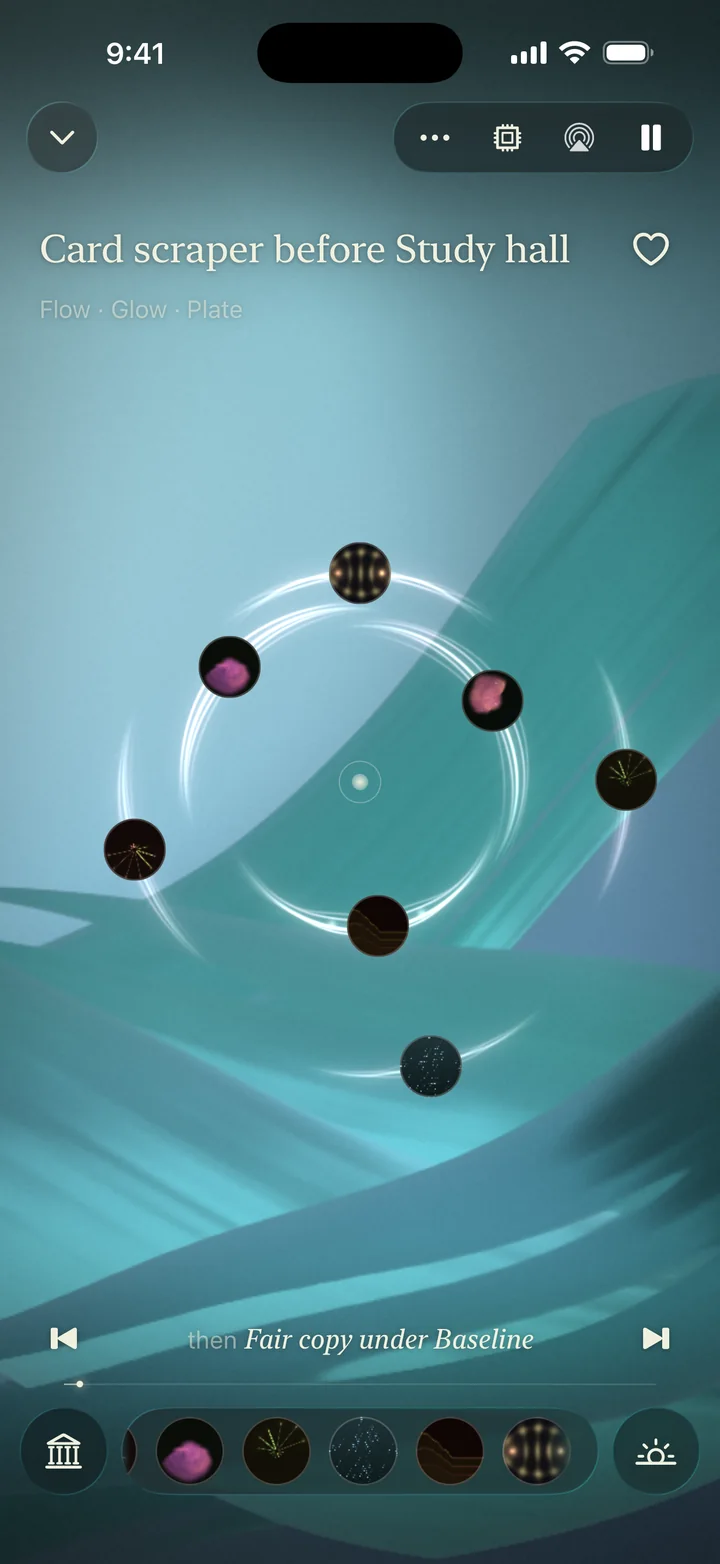
A Flow track playing in Raumo between glowing bars that pulse like a beat.
Listen first
Three focus soundscapes.
Recorded from Raumo’s audio engine. In the app, each one is composed anew while you listen, so each listen takes its own course.
Clear Edge
Long Shadows
Deep Space
The Flow playlist
A steady groove to work in.
Focus is Raumo’s clear, steady mood, and Flow is its playlist: an easy groove under soft keys, composed as it plays, so it keeps evolving for as long as you work.
A real drum loop
Soft keys
A short motif
Flow
A steady groove to work in
Noise & Tape
Steady noise and tape
Binaural
Calm music over one binaural tone, best with headphones
In the app
Out of the way, all day
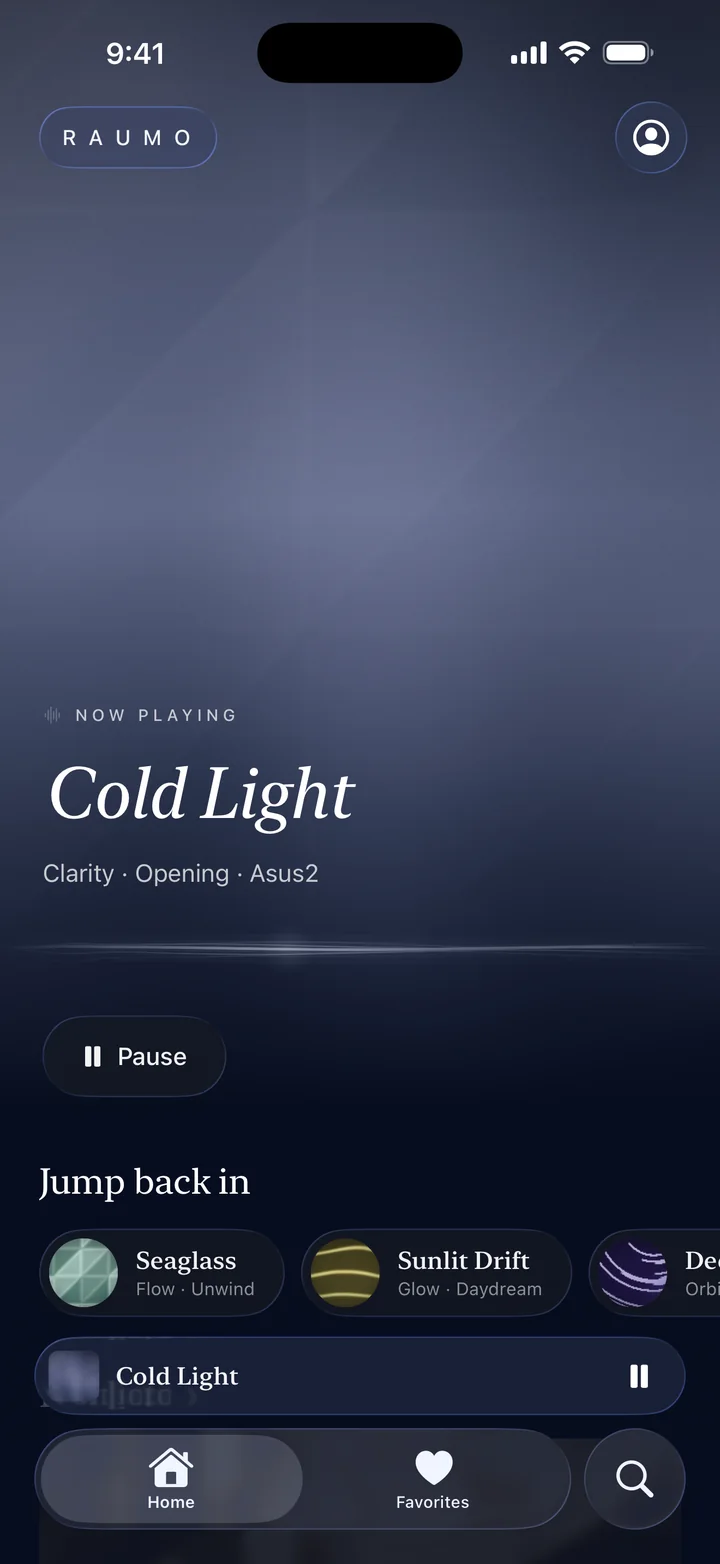
Let your Focus choose
Add Raumo to a Focus mode such as Work, and its suggestions follow the mood or world you set there.
Something for now
Home and the For now widget suggest a soundscape for the part of the day. One tap, or ask Siri, and it plays.
Steady noise and tape
Noise & Tape plays calm, steady textures with no music at all, for when even a melody is too much.
Binaural, if you like
Binaural plays calm music over one binaural tone. It is best with headphones, and Raumo makes no promises about what a tone does.
Alongside other apps
Turn on Mix with other apps in Settings and Raumo plays under music or a podcast.
Turn it down, not off
Lower Awake and Song in Mood for a quieter, simpler room, or remove a sound you don’t want.
Ask Siri
Just ask
- “Play something in Raumo”
- “Play Raumo”
Siri, Shortcuts, Control Center and the Action button all reach Raumo without opening it.
In the catalog
Twenty-four focus soundscapes, four in each world.
 Hush
Hush- Soft Focus
- Fine Grain
- Quiet Layers
- Woodgrain
 Flow
Flow- Blue Hour
- Pale Blue
- Rings
- Distance
 Clarity
- Clear Edge
- Cold Light
- Slate
- Stonework
 Warmth
- Terracotta
- Warm Air
- Long Shadows
- Quiet Distance
 Glow
Glow- Golden Hour
- Daylight
- Open Plane
- Honeycomb
 Orbit
Orbit- Deep Space
- Pulsar
- Gravity Well
- Crater Light

Make room
for Raumo.
Raumo for iPhone is not yet on the App Store. A download link will appear here once it is. Until then, the recorded examples are a place to start.
Hear the six worlds